

Description



In the Box:
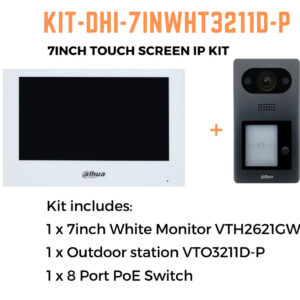
Dahua 7inch Touch Screen IP Intercom Kit, including:
1 x 7 inch Monitor VTH2621GW-P,
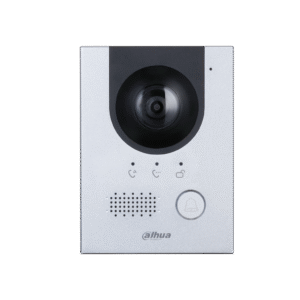
1 x Outdoor Station VTO2311R-WP,
1 x 8 Port POE Switch
WIRING REQUIREMENTS;
> ethernet cable from Door Station to Poe Switch
> ethernet cable from the Monitor to Poe Switch
> ethernet cable Poe Switch to the modem (if you wish to set up remote communication)
If you need to open/ control 1-2 door / gate strikes, run 4 core cabling from the door station to the respective strikes. These strikes need to be powered separately, ie. the door station will not be able to power these strikes.
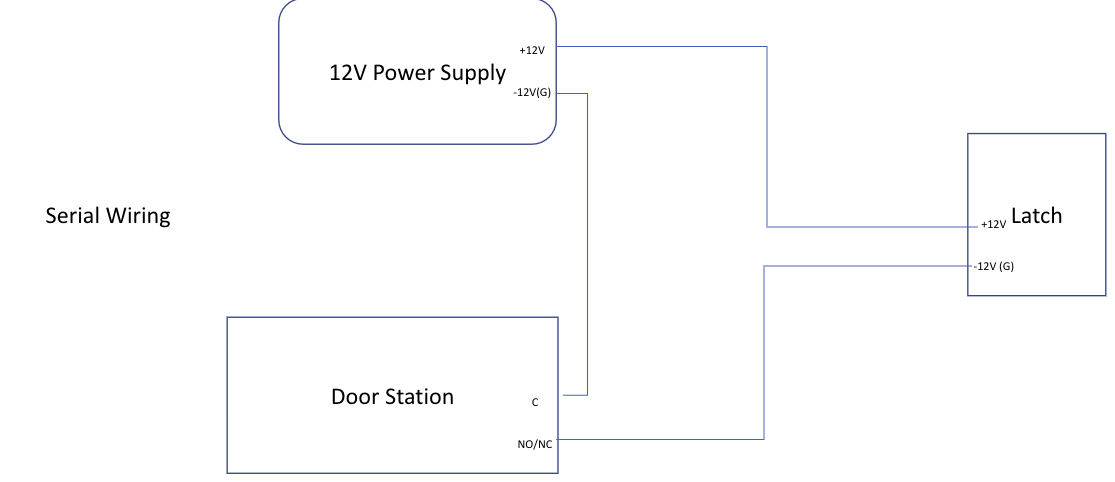
This is assuming the electronic gate unlock with 12V power in. Some of the gates do not need any power as it is powered by a motor. In that case, we only need to connect the NO or NC and Com to the relevant connection in the gate. For the gate that has a motor, do not use 12V as it may damage the connection ports in the motor of the gate.
If the monitor gives “Lock 1 failed” error intermittently, go to web browser of the VTO > Local Setting > Access Control > Local
In there, put the unlock responding interval and unlock period as the same.
Unlock responding interval: It is the time, the user has to wait before unlocking the door again after you have already pressed the unlock button
Unlock period: It is the unlock time of the latch






There are no reviews yet.